
Pro Evolution Soccer 2019
Pro Evolution Soccer 2019
Description (IGDB)
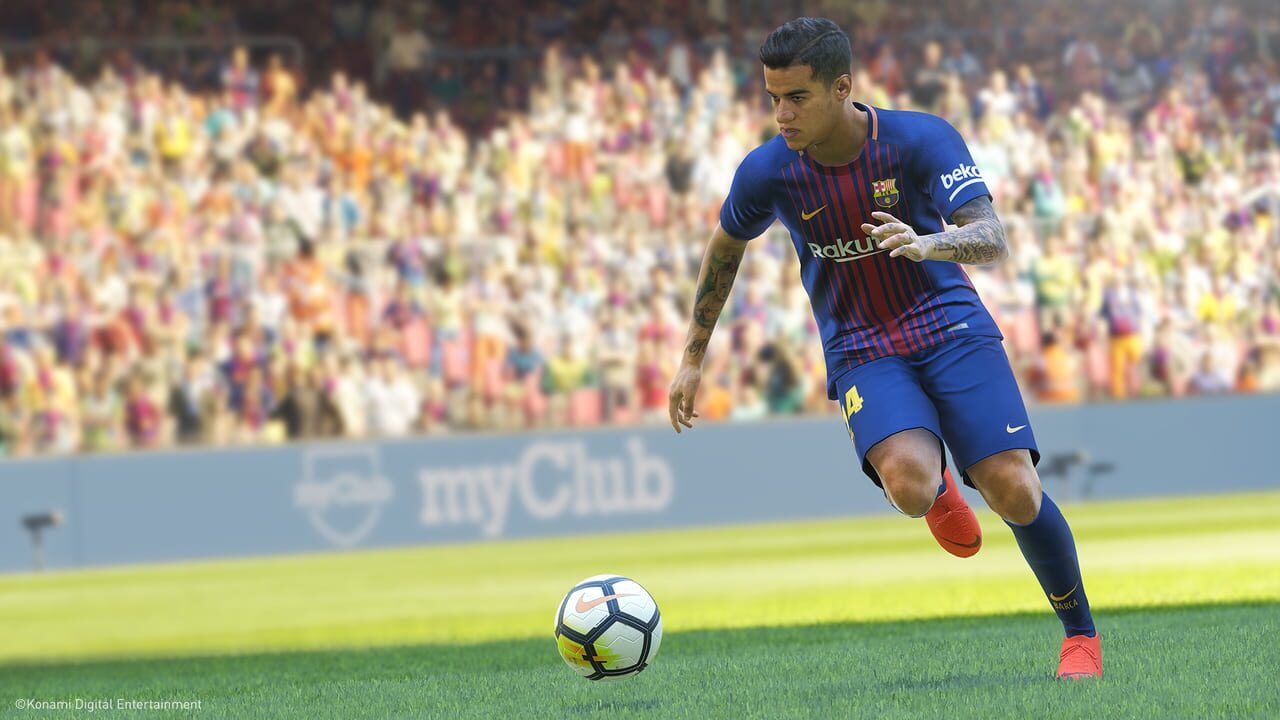
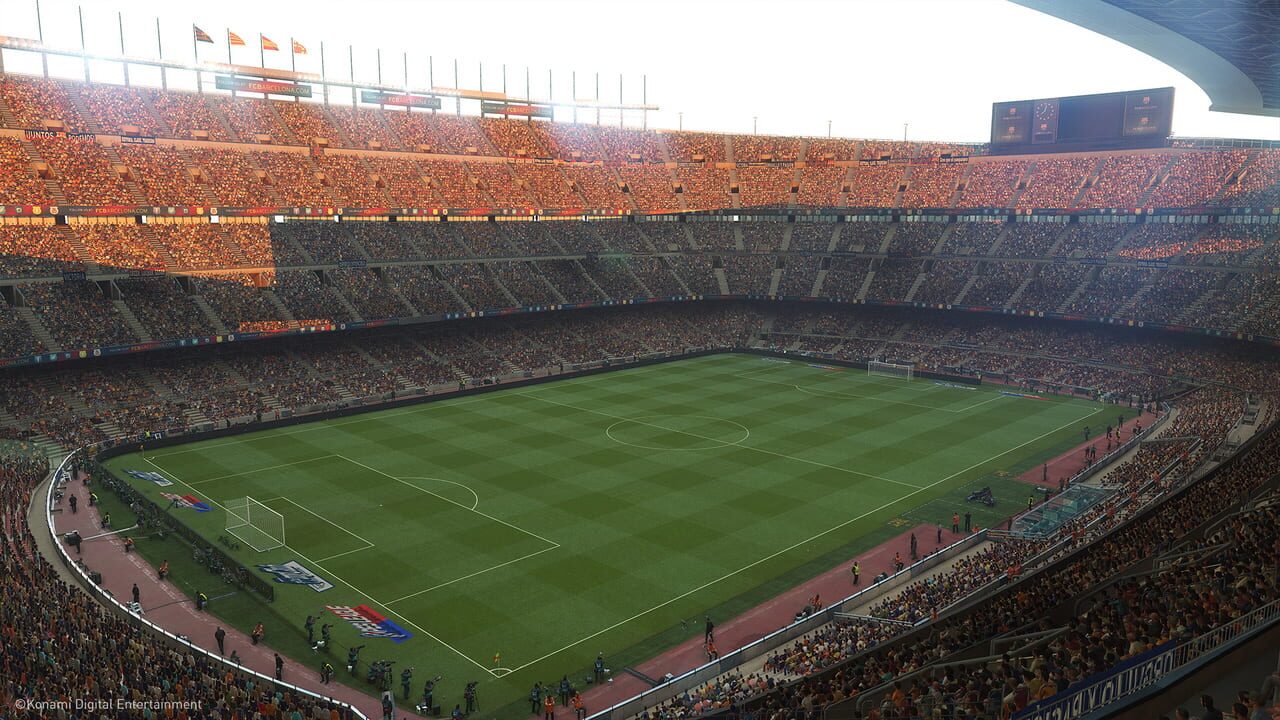
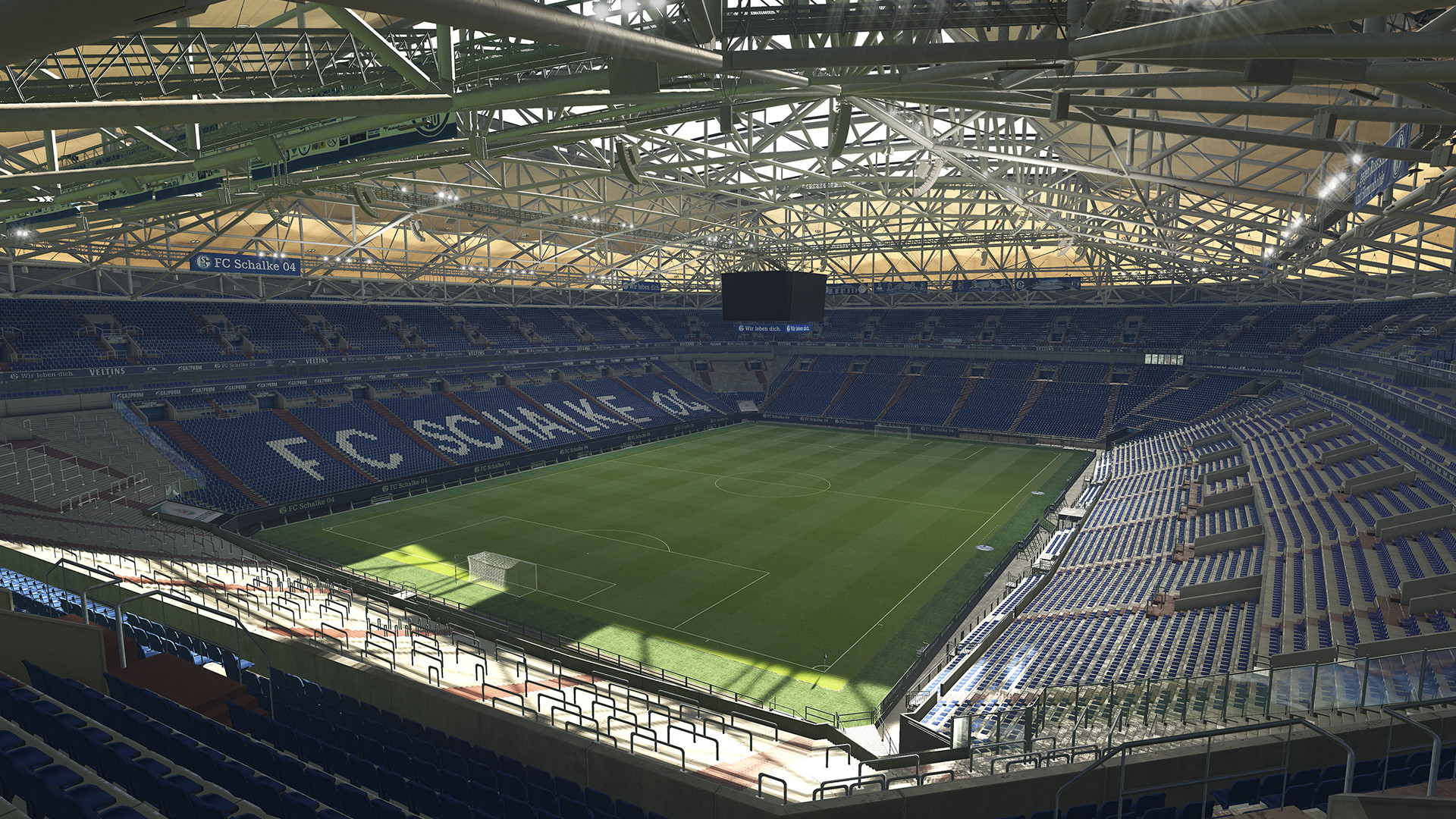
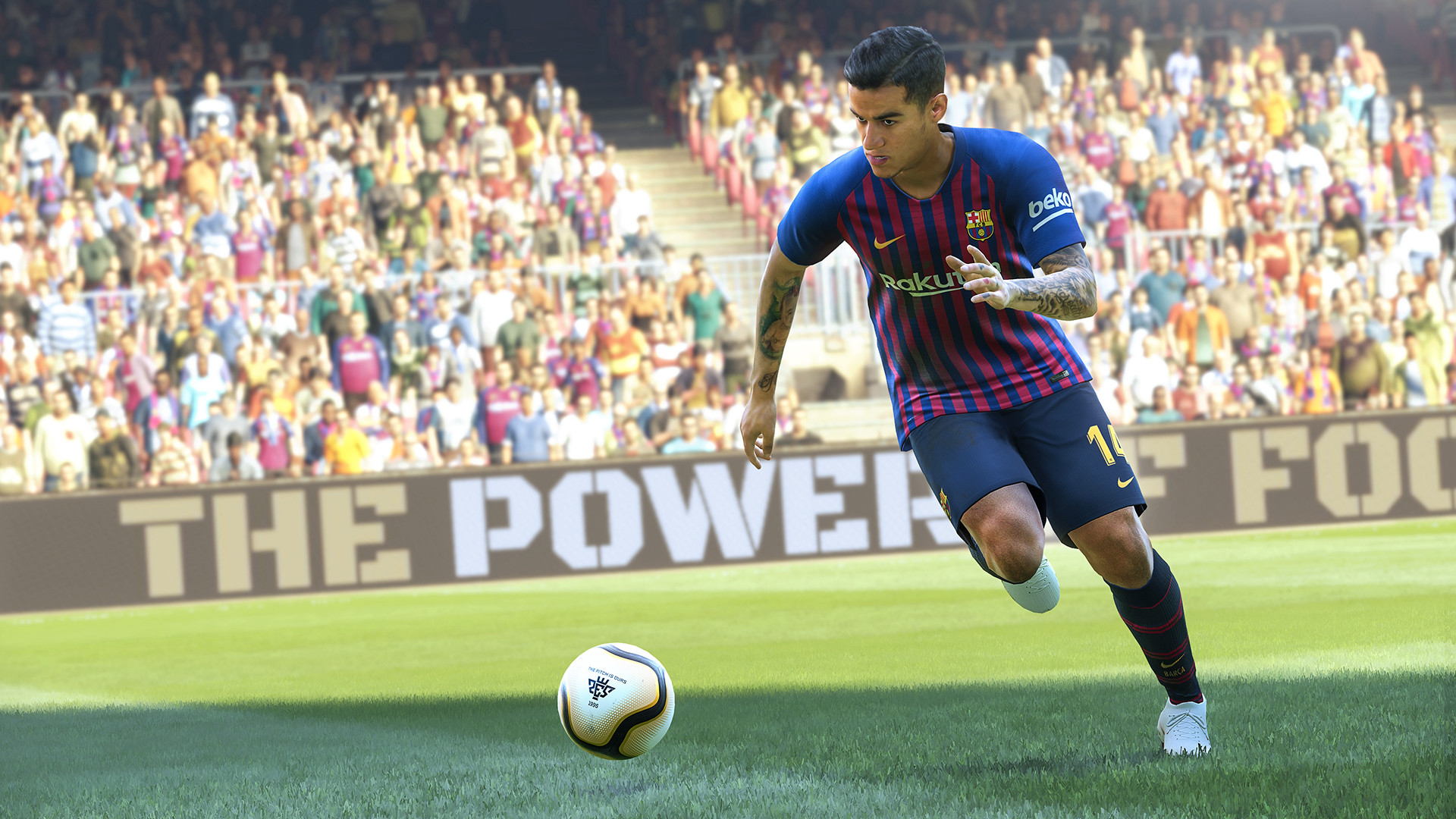
Pro Evolution Soccer 2019 is a football simulation game developed and published by Konami in 2018. It emphasizes realistic gameplay with improved ball physics, player fatigue, and enhanced animations. The game expands its roster of licensed leagues and clubs, while maintaining modes such as Master League and Become a Legend.
Description en cours d'enrichissement.
Médias




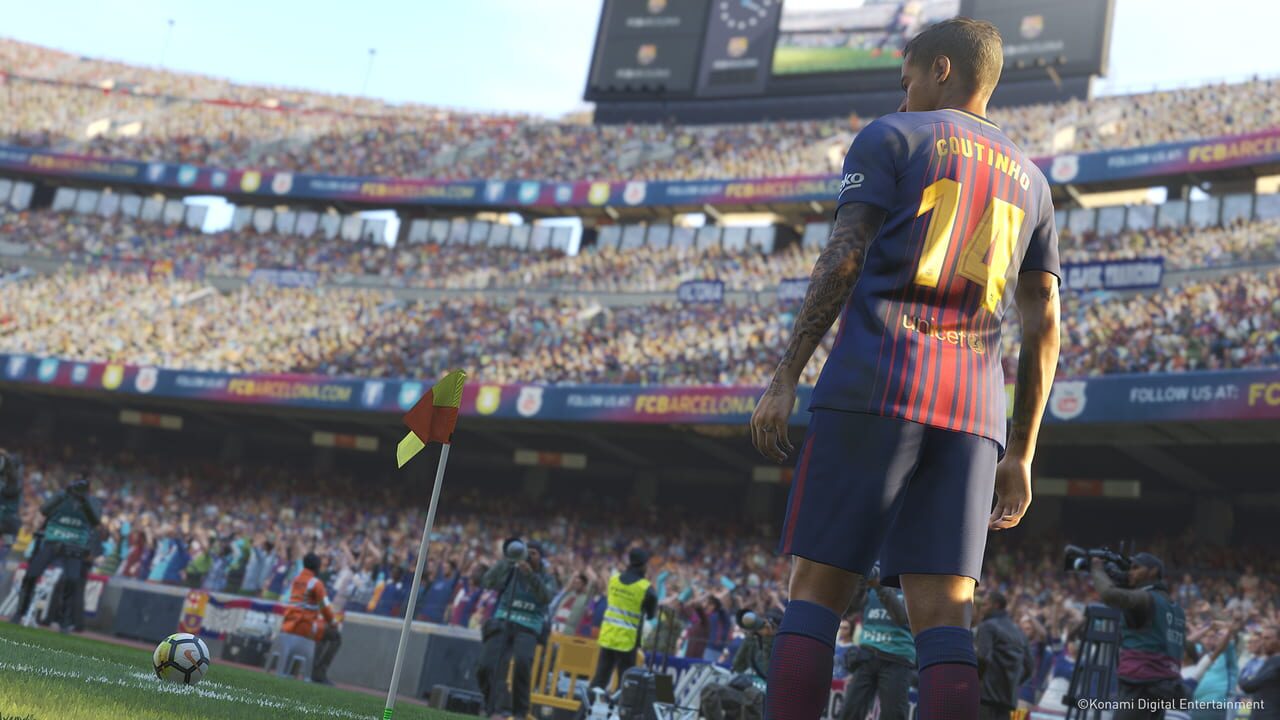
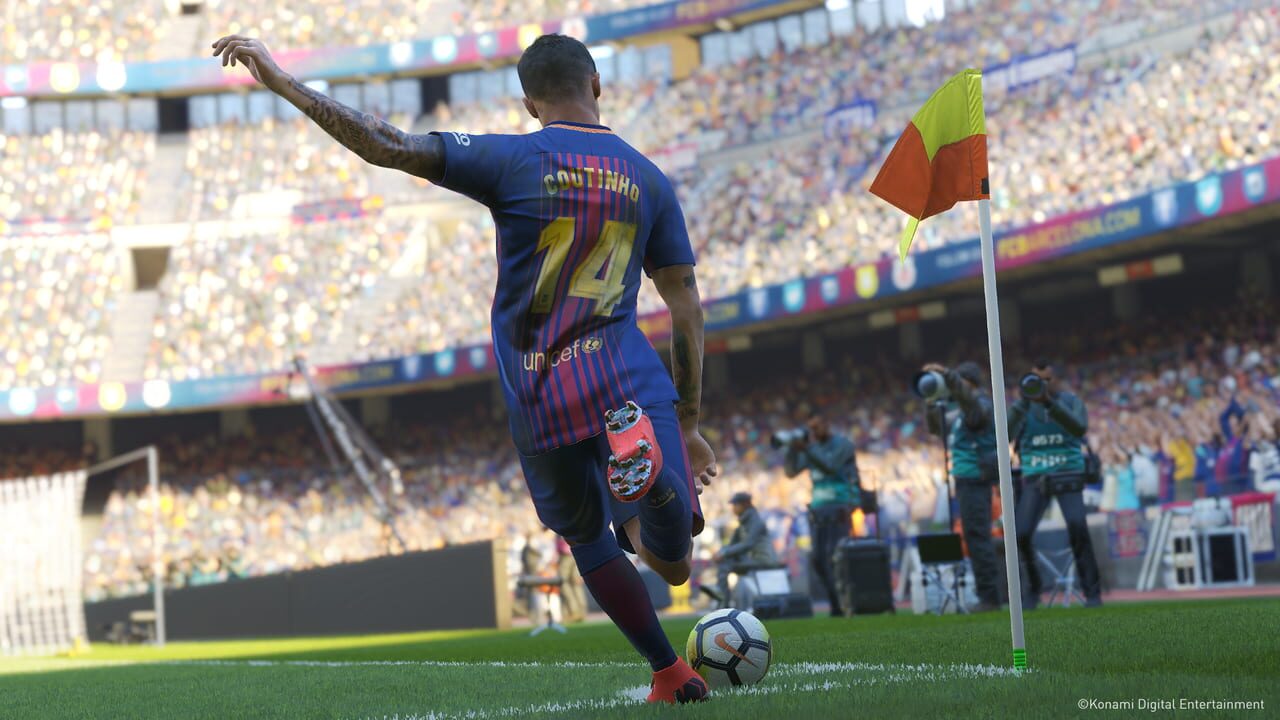



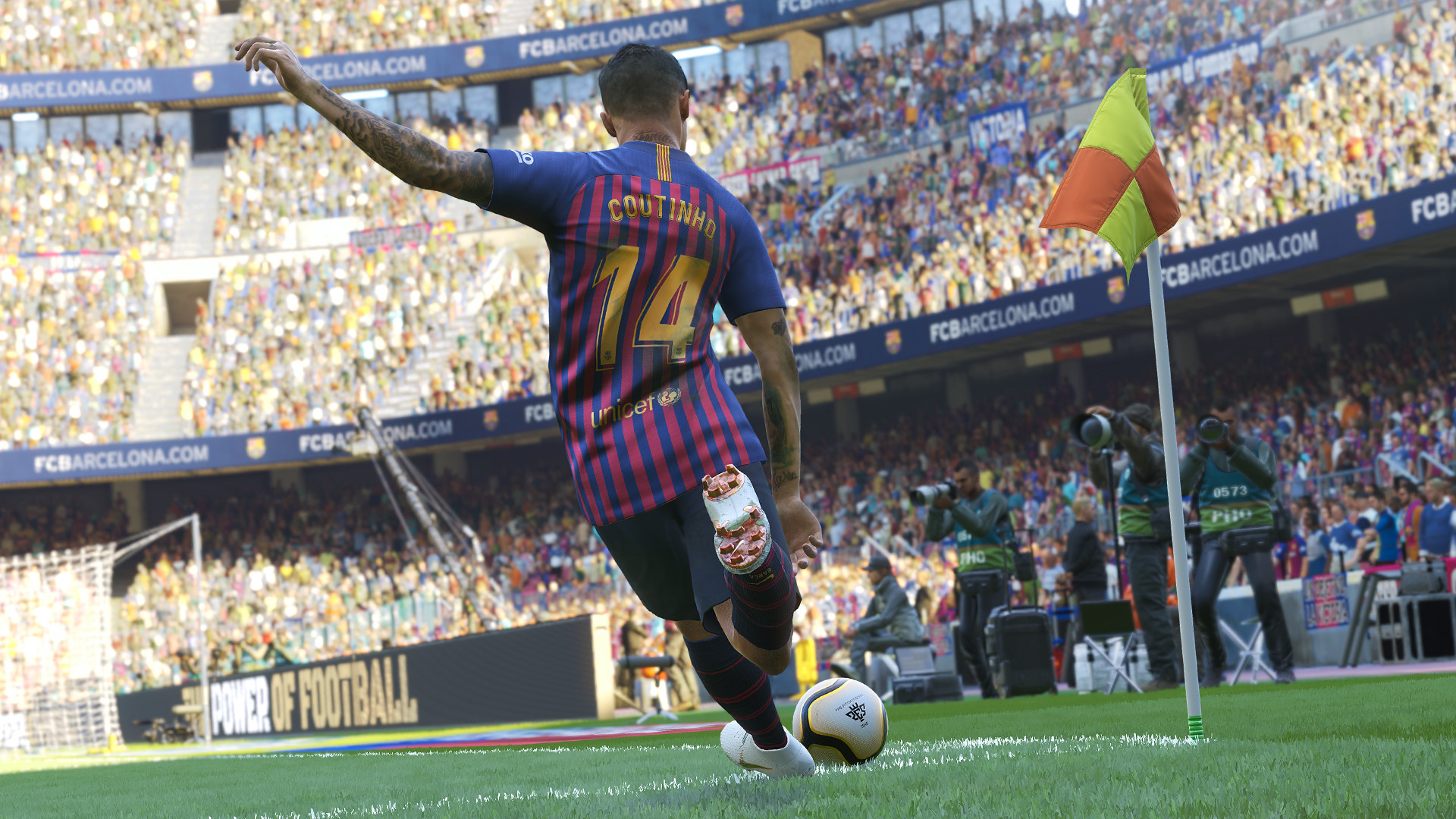
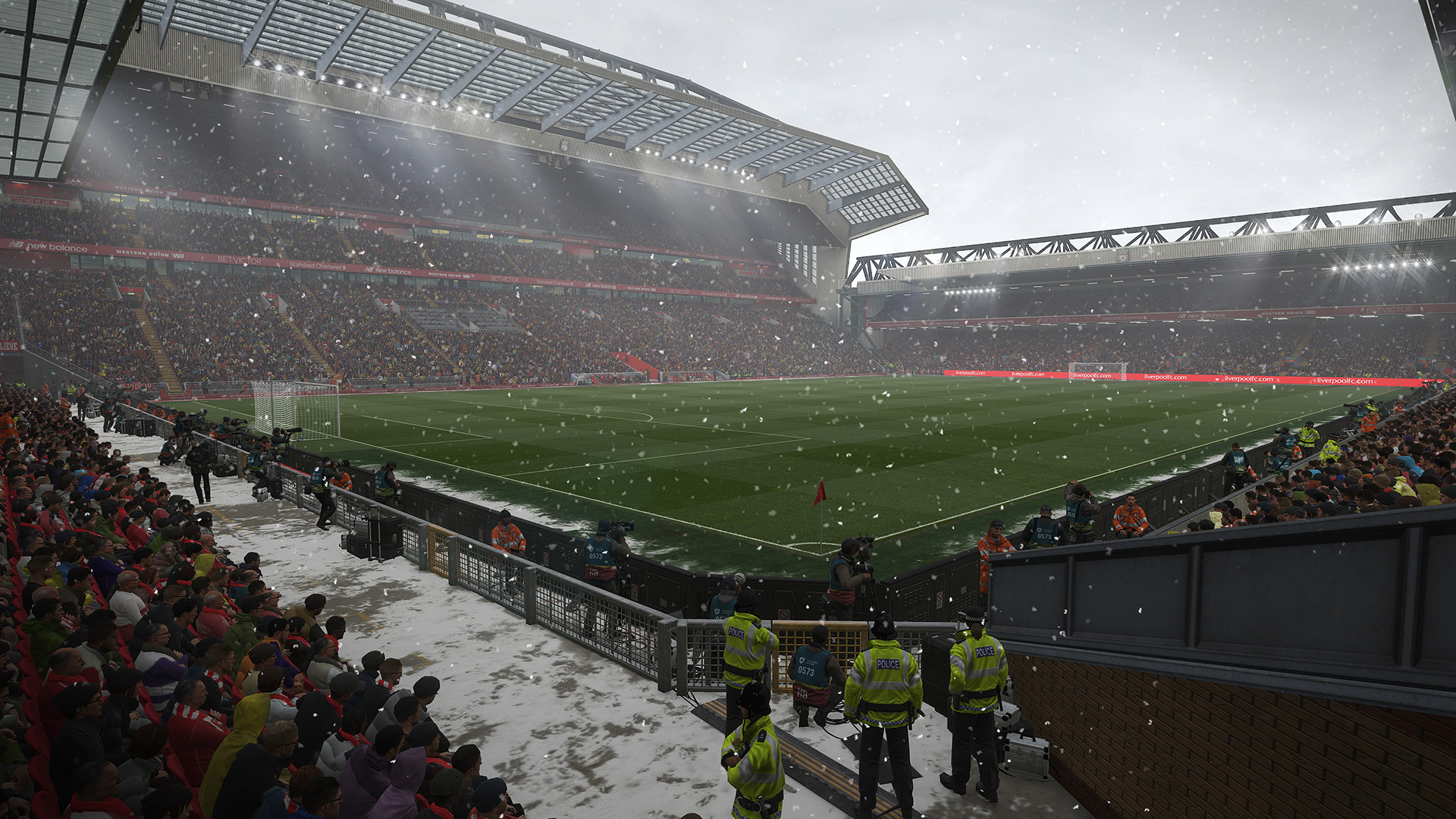
Informations Steam
Description Steam (Français)
Standard Edition
• Prêt de 10 matchs de David Beckham 2018
• Prêt de 10 matchs de Philippe Coutinho
• Agent premium (3 joueurs) x 10 semaines
• 3 Contrats de joueurs x 10 semaines
David Beckham Edition
• David Beckham 2018
• Prêt de 10 matchs de Philippe Coutinho
• Agent premium (3 joueurs) x 20 semaines
• 3 Contrats de joueurs x 20 semaines
Legend Edition
• Joueur de légende PES
• David Beckham 2018
• Prêt de 10 matchs de Philippe Coutinho
• Agent premium (3 joueurs) x 30 semaines
• 3 Contrats de joueurs x 30 semaines
Nouvelles fonctionnalités PES 2019 :
• LIGUES AUTHENTIQUES – Nombreuses licences de ligues
• MOMENTS DE MAGIE – Individualité des joueurs supérieure avec l'ajout de 11 caractéristiques, gestes et animations de frappes pour des buts encore plus beaux et un impact réel sur la fatigue.
• NOUVEAU MYCLUB - nouvelle signature des joueurs, nouvelles versions de joueurs proposées tout au long de l'année.
• LE BEAU JEU – Une expérience photo-réaliste avec des animations fluides compatibles 4K HDR
• ML REAL SEASON –La vie d'un manager et 3 changements majeurs : Pré-saison ICC, système de transfert et nouvelles licences de ligues"
L'édition Légende inclus une version scan 3D spéciale de David Beckham 2018 et Joueur de légende pour myClub !
Avis des joueurs Steam
Gameplay au top Graphisme au top Sortir un jeu très tôt pour mettre 15 jours à réparer les problèmes de serveurs...beau boulot!!! Un script d'enc*** sur le mode my club où les notes des joueurs ne veulent rien dire! 2 exemples : Aguero qui passe 90...
Erreur d'authentification, impossible de jouer en ligne. Yes, super... À quand un vrai jeu de foot sinon? EDIT: C'est possible de se connecter, mais faut essayer une vingtaine de fois avant de réussir, ce qui est pas top non plus... EDIT2: On peut...
Pire lancement de jeu que j'ai jamais connu. Les rosters ne sont pas à jour, le online ne marche pas et n'ai pas fixé au bout de 10 jours. Sans serveur les effectifs sont ridicules. Les transferts irréalistes (Coutinhoà Reims par ex..) Jeu à évit...
Impossible d enlever les ralentis ça rends le jeu injouable ça plus tous les autres defauts de jeu daubé codé avec des moignons (pas possible de regler la resolution, en mode carriere si on se fait virer du match on est obligé de le regarder jusqu a...
PES 2019 nous montre ce qu'il y a de plus pervers dans le jeu vidéo, un jeu sympa, sorti trop ... beaucoup trop tôt, c'est injouable en ligne dans 60 % des cas, quand on arrive a se connecter, ce qui prend environ une trentaine de tentative par conne...
Mises à jour et Actualités
Konami stops PES 2019 in-game currency sales in Belgium
Konami has announced that it's halting the sale of Pro Evolution Soccer 2019's in-game currency in Belgium.The sale of myClub Coins will cease across all platforms once the 'necessary preparations are made.' Any previously purchased myClub Coins can be used as normal and the currency will continue to be rewarded for playing the game but players will no longer be able to purchase them with real money."We fully respect the BGC's interpretation of relevant laws and made the decision to implement local changes to "PES 2019" in Belgium," said Konami in its statement.Konami is the latest publisher to take action following the Belgian Gaming Commission's report referring to Loot Boxes in games as a form of gambling. CS:GO disabled loot boxes last summer and Blizzard pulled paid loot boxes from Overwatch and Heroes of the Storm shortly after. More recently, EA withdrew FIFA Points sales in Belgium at the end of last month.It doesn't appear that any direct action was taken by the BGC against Konami at this point. However, last year's investigation into EA—which appears to have led to the recent removal of FIFA 19's currency sales—may have prompted the decision.
[Official] Issues Under Investigation
Dear loyal customers, This is a KONAMI/PES developer account. This is an update regarding the following issues currently being encountered by some users: ・An issue where the screen turns white and the game subsequently crashes ・An issue where users are unable to connect to the server and the “CODE:VNBP733” error is displayed Following our updates and investigations, we can see the majority of users are no longer encountering the above issues. As a thanks for your help and apology for the errors, a goodwill gesture is planned to be distributed by end of this week. If you are still encountering these issues, they might be caused by your PC environment. Therefore, please try out the methods listed below. If you do not find any improvement, please send an inquiry via our official website. EU https://www.konami.com/wepes/2019/ask/2019/eu/en/pc/ US https://www.konami.com/wepes/2019/ask/2019/us/en-us/pc/ How to fix the screen white-out/game crash issue In case of using Windows 7, please apply the latest service pack. Use the links listed below to install all the necessary runtime libraries. DirectX End-User Runtimes (June 2010) :directx_Jun2010_redist.exe https://www.microsoft.com/en-us/download/details.aspx?id=8109 Visual C++ Redistributable for Visual Studio 2015 :vc_redist.x64.exe https://www.microsoft.com/en-US/download/details.aspx?id=48145 The .NET Framework 4.6.2 offline installer for Windows :NDP462-KB3151800-x86-x64-AllOS-ENU.exe https://support.microsoft.com/en-us/help/3151800/the-net-framework-4-6-2-offline-installer-for-windows How to fix the error Code VNBP733 issue that prevents you from logging into the server Please make sure that PES 2019 connection is not blocked any program such as anti-virus software. Ensure PES 2019 is not being blocked by Windows Defender or Windows Firewall (detailed procedure below) <How to ensure that Windows Defender is not blocking PES 2019> Windows 10 Open Windows Defender. Go to the Firewall & Network Protection tab. Open Advanced Settings. Click on the Inbound Rules tab on the left side of the window. Scroll down till you find Pro Evolution Soccer 2019. Click the game in the list to highlight it. Click Disable Rule on the right side of the screen. Windows 7 Go to Control Panel > Windows Firewall. Open Advanced Settings. Click on the Inbound Rules tab on the left side of the window. Click Pro Evolution Soccer 2019. Click Disable Rule on the right side of the screen. Once again, we sincerely apologise for any inconvenience caused by these issues and thank you for your continued support.
[Official] Error code VNBP733 update
Dear loyal customers, This is a KONAMI/PES developer account. Firstly, we sincerely apologise for all the inconveniences caused by error code VNBP733. We're further investigating the issue at this very moment and to help with this would like to ask you to follow the two steps below. I. Details on firewall setting (Windows 10) This is similar to the information we posted on our official PES 2019 website a few days ago, but as the process is slightly complicated have provided supplementary images this time too. Open Windows Defender. Go to the Firewall & Network Protection tab. Open Advanced Settings. https://steamcdn-a.akamaihd.net/steamcommunity/public/images/clans/32755059/363f1ba0022776bf7a56716dae2bb3143b513dea.png Click on the Inbound Rules tab on the left side of the window. Scroll down till you find Pro Evolution Soccer 2019. https://steamcdn-a.akamaihd.net/steamcommunity/public/images/clans/32755059/527726315895390ceece3b7e40c09c96e4448b88.png Click the game in the list to highlight it. Click Disable Rule on the right side of the screen. If you can still not connect after going through the process above, please kindly follow the second step (packet capture) below. II. Packet capture Install the latest version of 'Wireshark' on the PC which PES 2019 is installed. https://www.wireshark.org Boot PES 2019, then proceed to the title screen, and leave it on that screen (the screen with Coutinho image) Boot Wireshark, highlight the item under the "... using this filter" of "Capture" on "Welcome to Wireshark" screen. In normal case, "Ethernet" will be shown. If the multiple choices are shown, please choose "interface" that you use.] Select "Capture" from the top tabs, then click "Start" to start capturing. Try login to server on PES 2019. If "CODE:VNBP733" error is shown on your PES 2019, please select "Capture" from the top tabs and click "Stop" to stop the capturing process. Select "File" and click "Save". Please name the file as VNBP733 in pcapng file (pcapng is a default setting). Please send the pcapng file, and OS information (Windows 10, Windows 7, etc.) to us. Please submit the captured files and OS information below. EU https://www.konami.com/wepes/2019/ask/2019/eu/en/pc/ US https://www.konami.com/wepes/2019/ask/2019/us/en-us/pc/ Once again, we apologise for the issue and assure you that with the data you provide we are working hard to solve this issue as soon as possible. Thank you so much for you support and understanding. KONAMI/PES Team